
From camera frames to simple signals
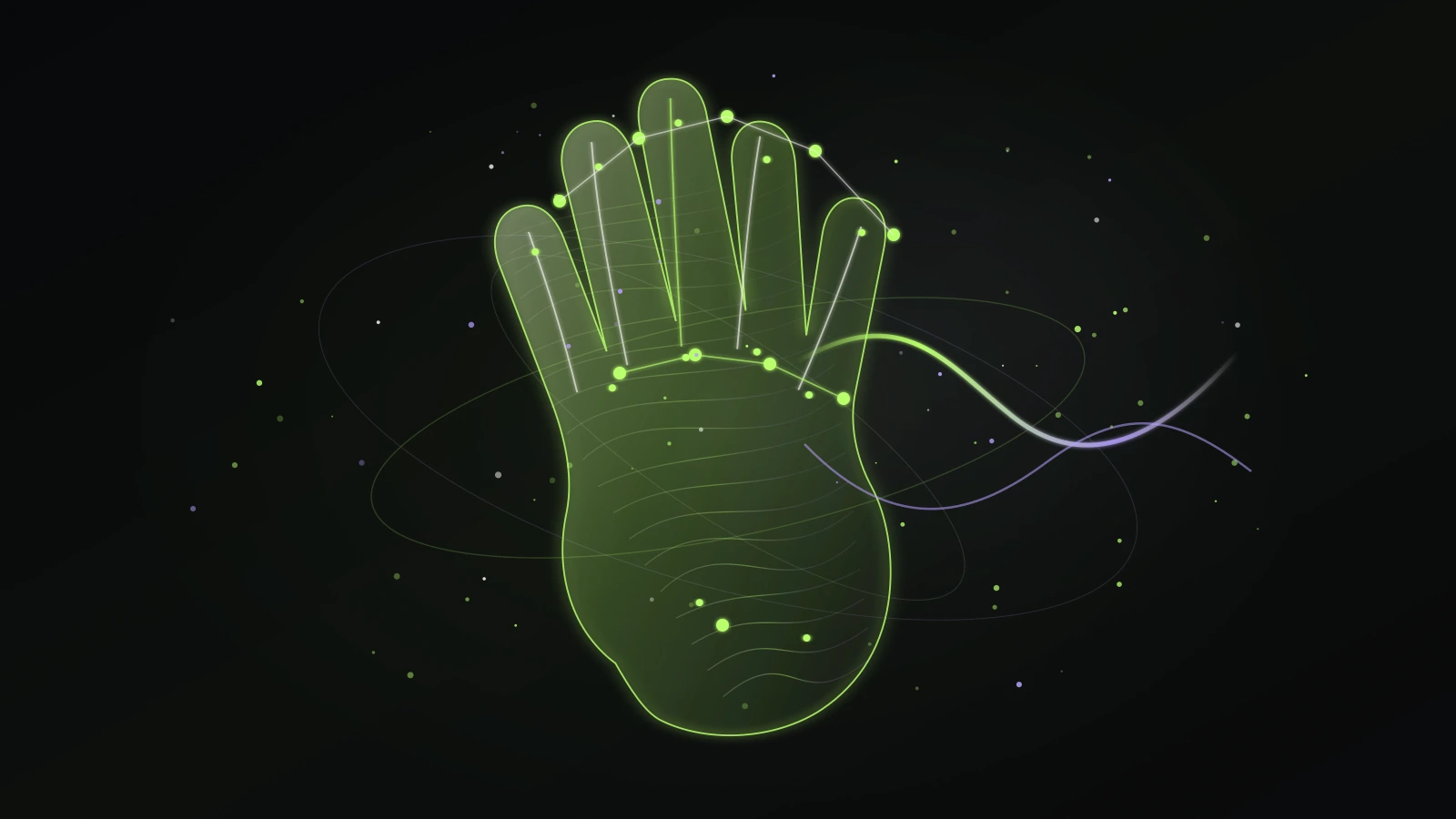
Hand tracking does not need to identify who you are to be useful for an instrument. It can work from visual landmarks: rough positions for fingertips, joints, palm, and wrist. Those landmarks are then interpreted as simple gestures that are practical to repeat in real time.
For a beginner-facing instrument, fewer dependable controls are better than many fragile ones. Gesture Synth uses one to four raised fingers, a closed fist, and hand height rather than asking a user to reproduce complex sign shapes.
Why finger count works well for chords
Finger count is visible, memorable, and easy to vary without changing your camera setup. It provides a small set of discrete states, which reduces accidental triggering compared with mapping every pixel of movement to a new note.
Each state can point to a different chord in a predetermined progression. The musical arrangement does the harmonic work in the background, while the performer decides when to move between chord states.
Why lighting and framing matter
The tracker needs a clear view of your palm and fingertips. Backlighting can turn the hand into a silhouette, motion blur can hide finger separation, and a busy background can make a fast gesture less distinct. These are recognition limitations, not a sign that the app is recording your video.
Sit about an arm’s length from the camera, keep the full hand in frame, and face a soft light source. If recognition becomes jumpy, pause between gestures instead of rapidly switching finger counts.
How gesture input becomes a performance
The musical response is intentionally not a raw one-to-one copy of hand movement. A chord selection can start or change harmony, while hand height can adjust intensity. Visual trails and pulse effects can follow the same performance state, helping the player see the change they made.
This design makes the result expressive without requiring a user to control every note, drum hit, or effect parameter independently.