
Virtual Theremin Online
Play a Virtual Theremin in Your Browser
A touchless instrument you play by moving your hand in the air—no antennas, no download, no account. Raise your hand to lift the energy; show fingers to change chords.
Free to play · No account required · Camera processed locally
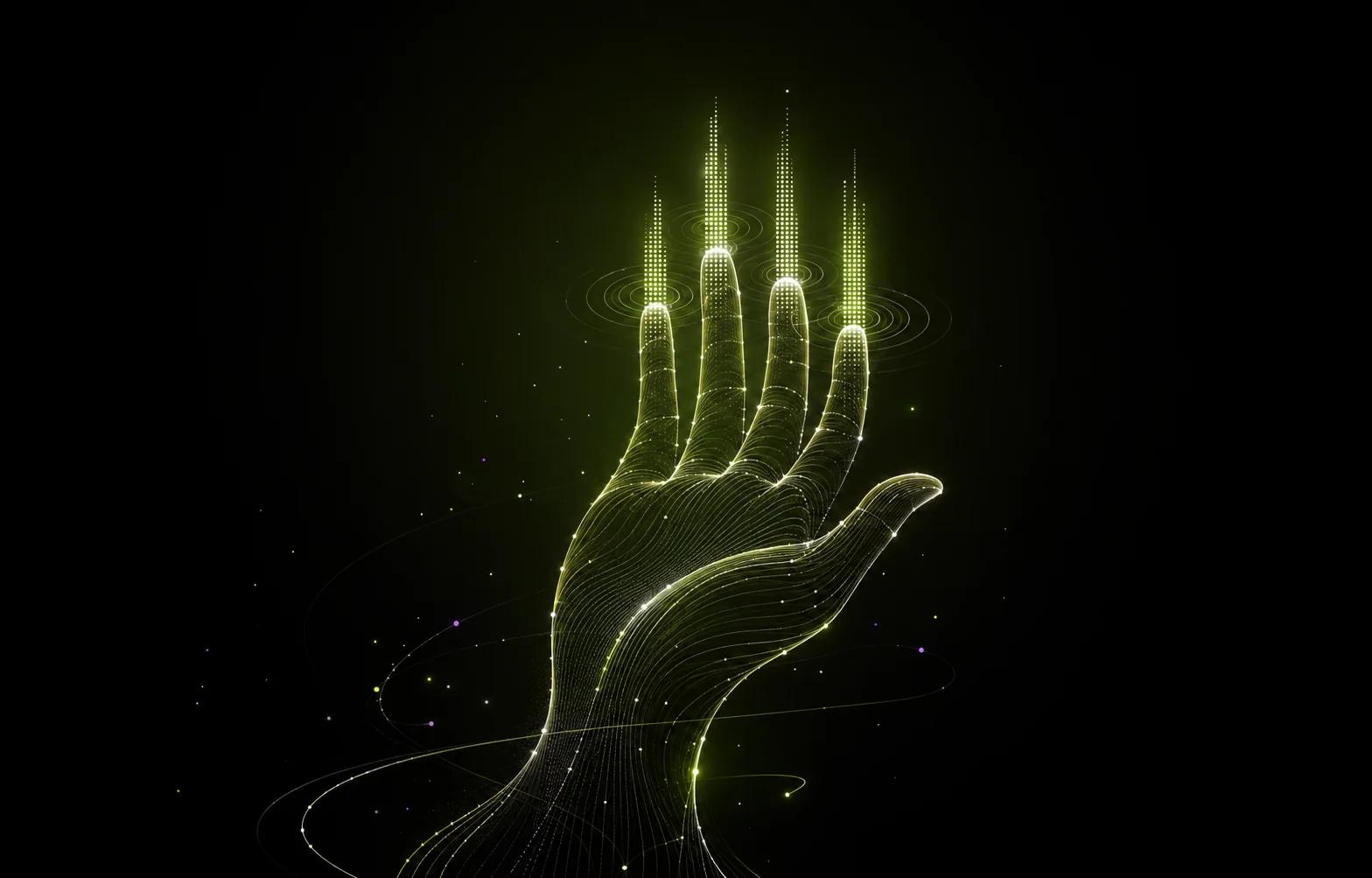
The original touchless instrument
What Is a Theremin?
The theremin is the only mainstream instrument you play without touching it. Invented by Léon Theremin around 1920, it senses the position of your hands in the air using two antennas: one controls pitch, the other controls volume. Its eerie, singing tone became the sound of classic science-fiction films and a favorite of electronic music pioneers.
It is also famously the hardest instrument to play well. With no keys, frets, or any physical reference, a theremin player finds every note purely by ear and muscle memory. Most people who try a real theremin spend their first hour making spooky wails rather than music.
From antennas to a camera
A Theremin Reimagined for the Browser
Gesture Synth keeps the magic of the theremin—playing music by moving your hand through empty air—and replaces the frustrating part. Instead of hunting for exact pitches with millimeter precision, your hand controls simple, musical decisions that always sound good together.
Raise your hand
Lifts the energy—brighter sound, fuller drums
Like the theremin’s volume antenna
Hold up 1–4 fingers
Selects a chord from the current progression
Harmony without pitch hunting
Close your fist
Pauses the performance
A clear, unambiguous control
No camera? Use keys
Keyboard mode plays the same progressions
The theremin never offered a fallback
How it works
Start Playing in Under a Minute
- 1Open the player and choose a music style.
- 2Allow camera access when your browser asks—video is processed locally and never uploaded.
- 3Hold one to four fingers toward the camera to trigger a chord.
- 4Raise or lower your hand to shape the energy; close your fist to pause.
Prefer a reference first? See the full gesture and chord guide or read how hand tracking becomes music.
FAQ
Frequently Asked Questions
Is Gesture Synth a real theremin?
It is theremin-inspired rather than a theremin simulator. A classical theremin maps hand position to exact pitch and volume; Gesture Synth maps simple hand gestures to chords and musical energy, so you get the same touchless playing feel without needing the pitch precision a real theremin demands.
Do I need to download or install anything?
No. The virtual theremin runs entirely in your web browser. Open the player, allow camera access when the browser asks, and start playing.
Does the camera upload my video?
No. Hand tracking processes camera frames locally in your browser. Your live camera feed is not sent to any server or stored anywhere.
Can I play without a camera?
Yes. Keyboard mode lets you trigger the same chords with number keys and shape energy with your mouse or touchscreen, no camera permission needed.
Is the virtual theremin free?
Yes. You can play, record, and download your performance without creating an account or paying anything.
READY TO PLAY?
Make Your First Chord
No sign-up, no downloads. Just your hands and your browser.
Start PlayingNo download · No account · No music experience required