Start by choosing the kind of music session you want
Online music maker is a broad search term, so the first useful decision is not which site has the most buttons. It is what you want to do in the next ten minutes. A multitrack production environment is useful when you want to arrange, edit, and mix several parts. A loop tool is useful when you want to combine repeating patterns. A browser instrument is useful when you want to make a playable musical gesture and hear an immediate response.
Gesture Synth belongs in the last category. It is designed around a guided chord performance rather than a timeline full of tracks. That constraint is helpful for a first session: you can listen for timing, contrast, and a deliberate ending without learning every part of a production interface first.
Follow a first-session browser workflow →Try the keyboard mode →Learn how keyboard performance works →
Make the first minute productive
A beginner-friendly tool should make it obvious how sound starts, what one control changes, and how to recover after an experiment. Before changing styles or effects, check your device volume and make one sound. Browser audio normally begins after an intentional interaction, such as pressing a play control or key, because browsers protect people from unexpected sound on page load.
For a simple Gesture Synth session, open the player in keyboard mode, choose one style, and trigger one chord state. Leave a little silence between changes. That pause gives your ear time to notice whether the sound changed because of your timing, the selected style, or the performance energy.
- Open Gesture Synth and begin in keyboard mode if you want a camera-free first try.
- Check that your speakers or headphones are active, then make one chord change.
- Alternate between two chord states on a steady count before adding a third.
- Create contrast once by changing energy, then finish on a stable chord instead of stopping at random.
Know the difference between a browser instrument and a DAW
A digital audio workstation is built for detailed editing, track arrangement, recording, mixing, and project management. Some online music tools provide portions of that workflow. It is not misleading for them to be called music makers, but it is misleading to expect every browser instrument to replace a studio workflow.
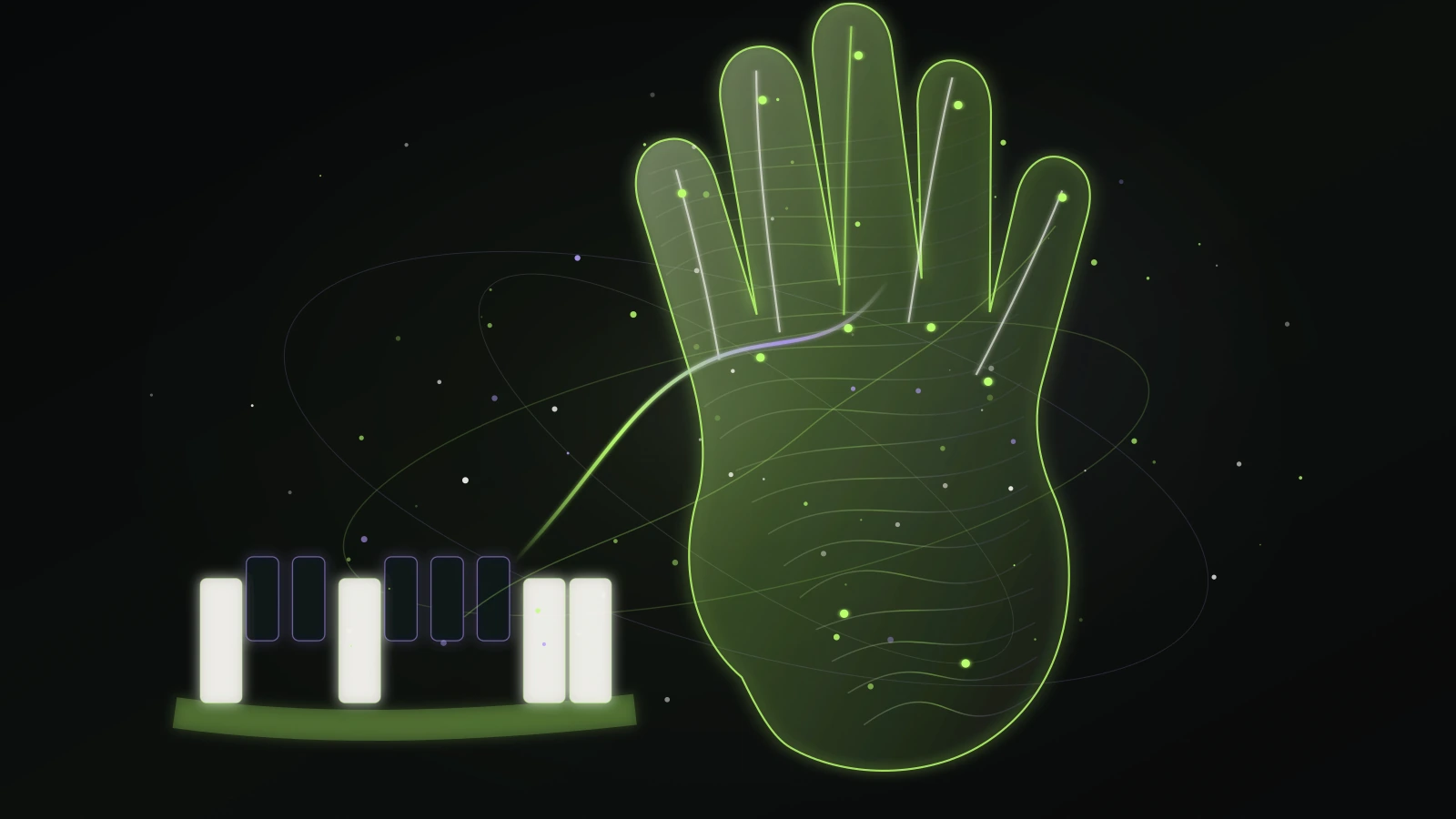
Gesture Synth does not claim to be a full DAW. Its value is a different one: it reduces harmonic choices to a playable set, lets you perform with a regular computer keyboard or a camera-based hand input, and gives you a short creative route from first sound to a shareable performance. If you need detailed note editing or multitrack mixing, choose software made for that job.
Compare the creative constraint before comparing feature lists
Every music tool makes a trade-off, and the trade-off matters more than the button count. A sequencer gives detailed control over notes and timing. A loop maker helps combine pre-built patterns into an arrangement. A gesture instrument turns physical movement into performance controls. Choose the constraint that matches the activity you want to do today, not the tool with the longest feature list.
Constrained instruments can be especially useful for beginners because the arrangement can preserve rhythm and harmony while the user concentrates on timing, movement, and variation. A complicated interface can be powerful, but it is not always the best way to learn whether making music in a browser is enjoyable for you. For a first session, look for a clear start action, a small number of controls, and audible feedback after each change.
Whichever type you choose, check the requirements before investing time: whether it needs a download, an account, a camera, a microphone, or a paid plan. A transparent product tells you which permission is required and why. If a tool uses a camera, read whether video is processed locally or sent to a server—and if your goal is a shareable clip, test a short recording early so a browser limitation does not surprise you after a longer session.
Check permissions and privacy before turning on a camera
A music tool that uses a camera should say why it needs one and should still be understandable when you choose not to grant access. Gesture Synth uses video input for local hand tracking; keyboard mode gives you a camera-free alternative. The music engine does not need microphone permission to create its synthesized sound.
The browser, not the page, controls camera permission. Read the permission prompt, confirm the site address, and use the address-bar controls to revoke access later. If you are on a shared computer or simply prefer not to use a camera, start with the keyboard route and keep the same musical exercise.
Read the browser camera permission guide →Set up and troubleshoot hand tracking →
Test a short recording before planning a longer idea
When a browser music tool offers a recording or download workflow, test it with a short take first. Make a clear opening, one energy change, and a deliberate ending. Then review the file on the device where you expect to share it. Browser support and export behavior can vary, so a real one-minute check is more useful than assuming every platform behaves the same way.
A useful first take is evidence, not a final performance. Notice one detail to improve on the next pass: a late chord change, a too-fast movement, or an ending without space. Change only that detail. This small loop keeps a new musician focused on listening rather than endlessly changing settings.
Plan a short browser recording →Browse all practical guides →Start playing now →